Separate language and country
A language switcher should present language and country as separate selection options. Many users speak a language that does not correspond to their country of residence, for example French in Switzerland. By separating them, users can choose their preferred language independently of location. This is particularly important for multilingual countries or international users. A clear distinction prevents misunderstandings and improves the user experience.
Avoid using flags
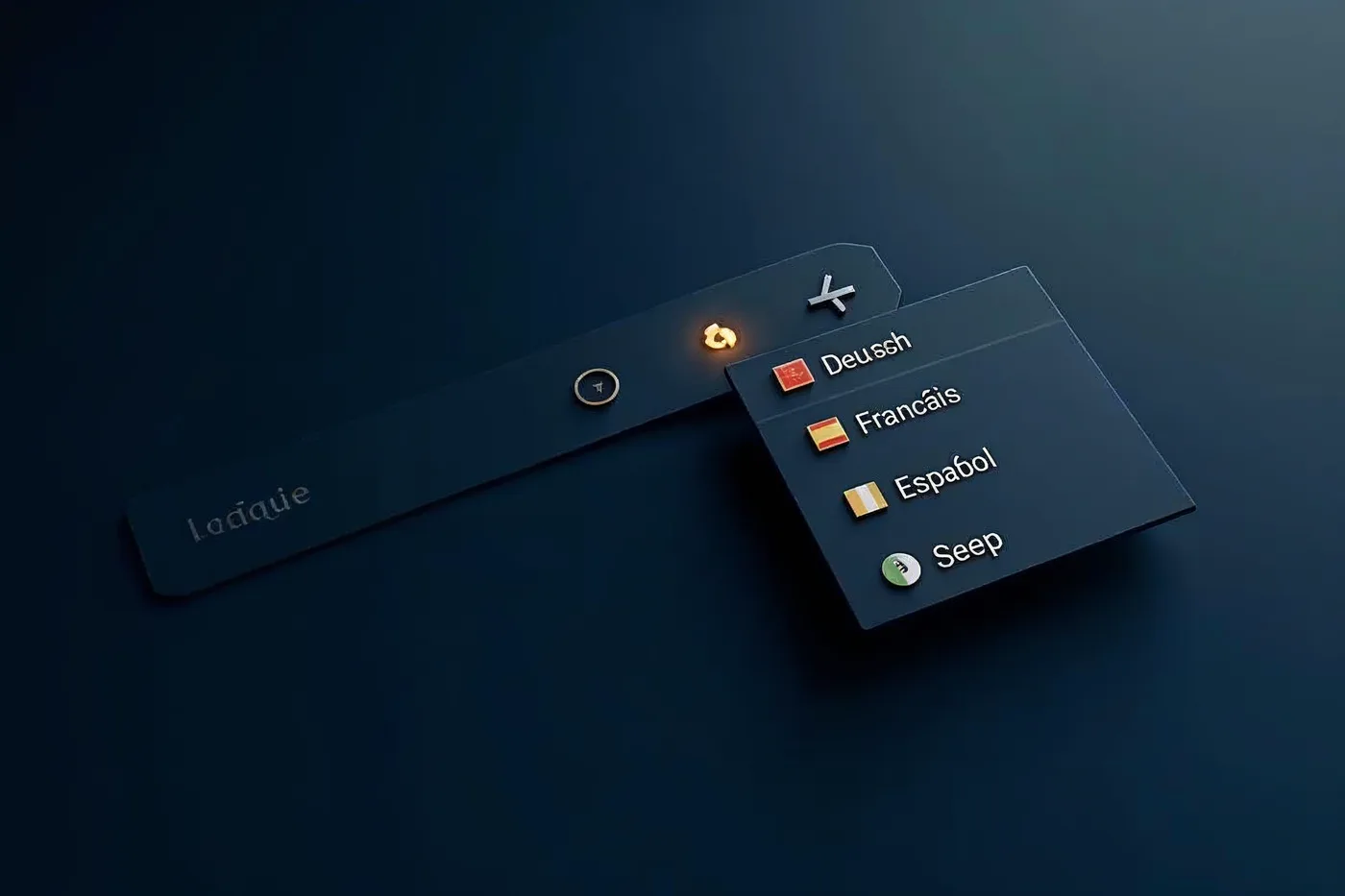
Flags represent countries, not languages. Using a flag for a language can trigger political or cultural conflicts and is particularly unsuitable for multilingual countries. Users might mistakenly assume that only the language of that country is offered. Therefore, avoid flags entirely in the language switcher. Instead, use clear language labels in the respective local language.
Use the language’s own name
The language switcher should display the language in its own name, for example “Deutsch” instead of “German” or “allemand”. This makes it easier for native speakers to identify and looks more professional. Avoid abbreviations like “DE” without context; combine the code with the full name, such as “DE – Deutsch”. Ensure that the self-designation is spelled correctly and recognized by speakers of that language.
Optimal positioning
Place the language switcher in a highly visible but unobtrusive position. Common and effective is the top right corner of the page or in the main menu. The switcher should be consistently present on every page, not just the homepage. Avoid dropdowns that open accidentally and ensure the current language is clearly highlighted. A clear label like “Language” or a globe icon can help.
Accessibility and avoiding automatic redirection
Automatic redirections based on browser language are problematic. They can force users into a wrong language version and cause confusion. Instead, offer a manual language switcher. For accessibility, the switcher must be reachable via keyboard and compatible with screen readers. Use semantic HTML elements and descriptive labels. Test the implementation with assistive technologies to ensure all users can switch languages.